 The Tiferes Dorm Library
Our books
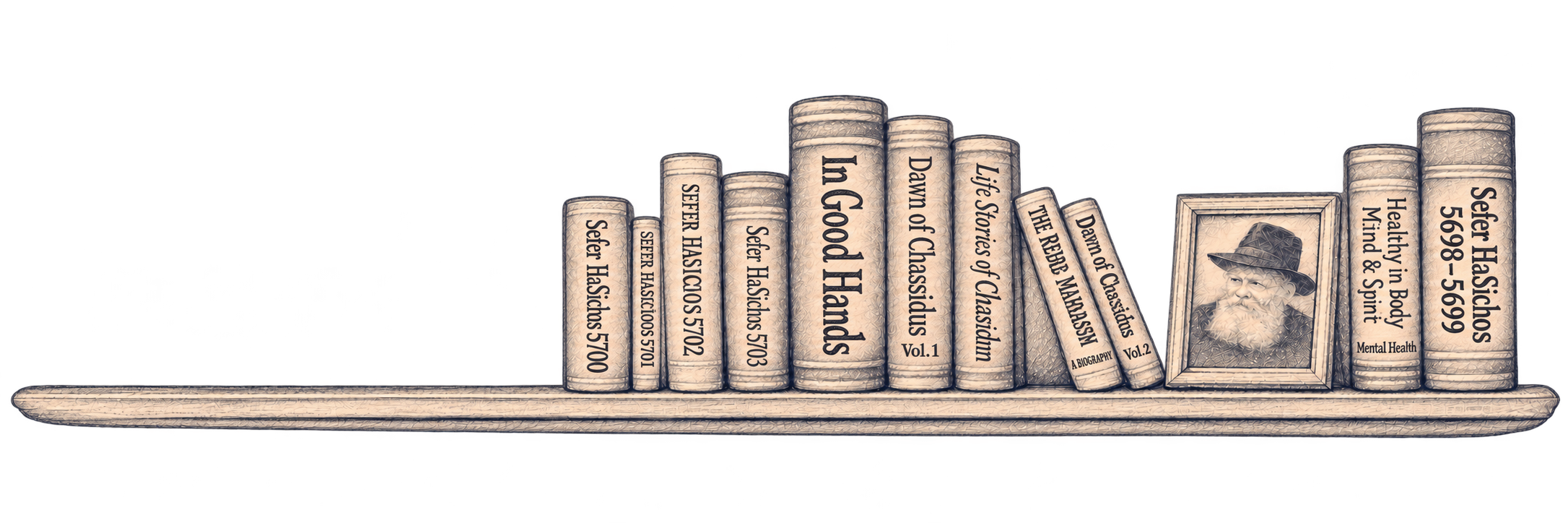
Chabad stories, history, biographies and teachings, collected for the dorm.
Open Sundays & Wednesdays 9:45 PM–10:15 PM
Books in
the Dorms
From a public talk of my revered father, [the Rebbe Rashab]: Part of the chassidic “exodus from Egypt” is the mitzvah to recount the story of the exodus from Egypt verbally. This means telling chassidic stories, and listening and internalizing them in one’s innermost self.
Filter
No books found
Try a different search or show all books.
Catalogue information
Help fill the shelves.
Chasidish books bring our history and values to life. Your support helps bochurim connect with the lives of the Rebbeim and Chassidim, finding inspiration they can carry into their own learning and avodas Hashem.
Books we’d love to add
Choose a book to sponsor.
Book prices are shown in USD. Open a sponsorship to see the total, including any shipping or other costs entered by the library.
No books are currently awaiting sponsorship.
What should we add next?
Read something other bochurim would enjoy? Tell us about it.
Browse our current booksKnowing Our Story
Read a little each day. Get to know the lives and stories that shape us.
10 minutes a day · 6 days a week · 7 weeks
Complete the challenge for a raffle entry.
Four prizes. Four winners.
Library desk
Reservation requests
Mivtza sign-ups
Book recommendations
Private recommendations inbox
Book offers & sponsorship enquiries
Automatic catalogue updates need a one-time Google setup. View setup instructions.
Connect the catalogue
This site currently uses a dated copy of the Books tab. To update it automatically while keeping Loans private:
- Open the library spreadsheet and select Extensions → Apps Script.
- Replace the editor contents with this prepared Google Apps Script and save.
- Select Deploy → New deployment → Web app. Execute as yourself and allow access to Anyone. Authorize Google when prompted.
- Run setupLibraryConnection once in the Apps Script editor. It creates a private reservation key in Script Properties. Keep the key private; it belongs only in the Site’s GOOGLE_RESERVATION_SECRET runtime secret. Set the deployed web app URL (ending in /exec) as GOOGLE_CATALOGUE_URL, then redeploy the site.
The public catalogue returns only book details and availability. Reservation names and notes are written to the private Reservations tab and are read only through authenticated server requests. The Loans tab stays private.
To manage Coming Soon in the sheet, add a tab named Coming Soon with row 1 headers: Book title, Author, Expected arrival, Note. Start books on row 2. Only include details intended for the catalogue.
Categories: enter a category in column D of the Books tab. The category dropdown fills automatically when the catalogue refreshes after live syncing is connected.
New arrivals: add a Date added in Books. Books added within the past 30 days get a New badge.